TypeForge
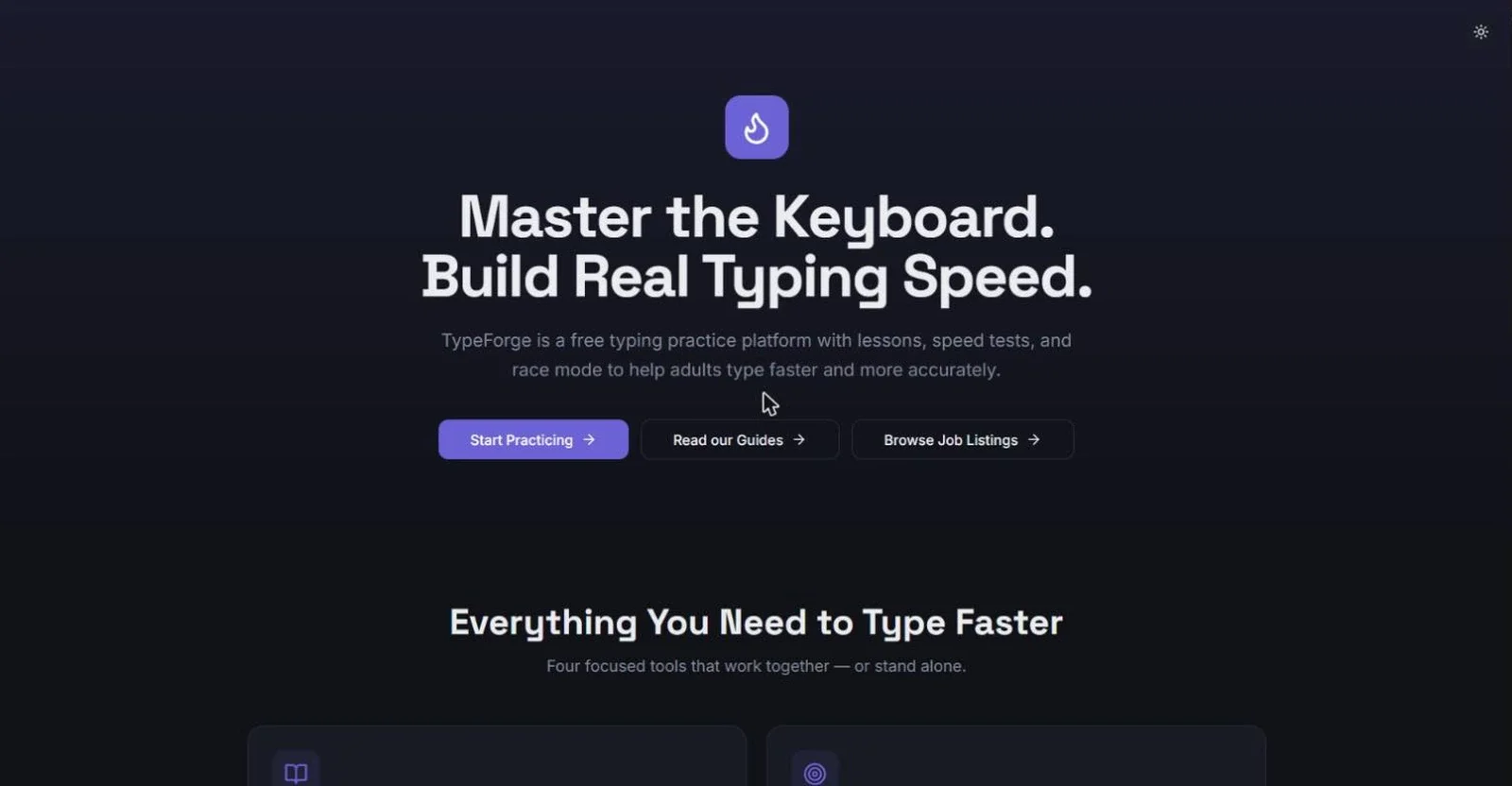
TypeForge is a free typing practice platform for adults
About
Many adults type with a few fingers, glance down at the keyboard, and stay stuck at a speed that slows their daily work. Typing sites are often aimed at children, or they offer only a speed test, so there is no clear path from learning the keys to getting faster. TypeForge puts that path in one free place: learn the keys, measure your speed, fix your weak spots, and keep practicing.
HOW IT WORKS
Lessons: 31 structured touch typing lessons build up one key at a time. The path starts with the home row, then the upper and bottom rows, then capital letters with Shift, everyday punctuation, the number row, and common symbols such as @ # $ % and &. It ends with practice texts like emails and short paragraphs. Each lesson shows an on-screen keyboard and a finger guide that tells you which finger to use, and which Shift key, for every character. You get live feedback as you type and a 1 to 5 star rating for speed and accuracy.
Speed Test: timed tests of 15, 30, 60 or 120 seconds, or a set number of words, or a quote. You see your WPM, accuracy and a consistency score.
Weak Key Drills: after a few lessons or tests, TypeForge finds the keys you miss most and builds 1, 3 or 5 minute drills around them.
Race Mode: race against bots that type at about 20, 35, 55 and 80 WPM, which turns practice into a game.
Stats: your best and average WPM, accuracy, practice time and words typed, with a progress chart and badges.
Cool-down: an optional page with no timer and no score, with calm passages to type after a hard session.
Guides: 20 practical articles on beginner typing, increasing speed, accuracy, ergonomics, practice routines, language learning and typing careers. Many include exercises and drills you can do right away.
Jobs: a hand-picked list of remote typing-related jobs, such as transcription, data entry and virtual assistant roles, for people who want to put their speed to work. TypeForge is not the employer and links to the original postings.